
Backup & Disaster Recovery
Protection that holds up when you actually need to restore.
Talk to Our TeamWhat is Backup and Disaster Recovery?
Most businesses believe their data is backed up. That belief holds until the day someone tries to restore it. Backups fail quietly, files get deleted and nobody notices for weeks, ransomware encrypts the backup along with everything else and old hardware sits unchecked in a cupboard doing nothing useful.
Backup and disaster recovery covers two jobs that get talked about as one. Backup is the copy of your data. Disaster recovery is the documented, tested route back to working, with someone accountable for getting you there. IT365 handles both across Microsoft 365, your servers, your staff devices and your cloud applications. We test the restore rather than assuming it works.
Backup is what you rely on when something goes wrong. At IT365 we would rather you were never relying on it alone. Our preference is business continuity: a tested, documented plan that sets out what comes back first, who does what and how long it takes, agreed with you and in place before it is ever needed.


A backup nobody has tested is a guess
The failure most businesses discover too late is not a missing backup. It is a backup that ran every night for two years and cannot be restored. The job silently stopped covering a folder that mattered, the retention window was shorter than anyone realised or the restore takes eleven days on the connection available. None of that shows up until the worst possible moment.
We monitor every backup job and act on the failures rather than logging them. Restores get tested, so the recovery time you have been quoted is a number somebody has measured rather than a number somebody hoped for. If something breaks, gets deleted or is encrypted, the conversation starts at how quickly you will be working again.
Ransomware changed what a backup has to survive
Attackers learned years ago that encrypting your live data is only half the job. The backup is the first thing they go looking for, because a business that can restore does not pay. That is why a copy of your data sitting on the same network as the data it is protecting is not really protection at all.
Your backups are held separately from your production environment and written so they cannot be altered or deleted inside their retention window. That is what makes a clean recovery point survive an attack that has already spread. Recovery runs to a documented process, and it is a process IT365 owns rather than one you find yourself reading for the first time under pressure.

Trusted Technology Partners
What is included
Coverage Across Microsoft 365, Servers and Devices
Email, OneDrive, SharePoint and Teams are backed up, along with cloud servers, Azure workloads and any on-premise hardware you still run. Laptops and desktops are covered too, which matters when a good share of your working files never make it off a device.
Ransomware Recovery
Backups are held apart from your live environment and cannot be tampered with inside their retention window, so there is a clean point to recover from after an attack. Recovery is a process we run to, not something worked out on the day.
Business Continuity Planning
From Elevate upwards we build the continuity process with you during onboarding: what gets restored, in what order, how long each stage should take and who does what. It is agreed while nothing is going wrong rather than written after something has. That is the difference between a recovery and a scramble.
Frequently asked questions
Does Microsoft 365 back up our data?
Not in the way most people assume. Microsoft protects the platform and keeps its own service running. Your data inside it is your responsibility, and the native retention windows are shorter than most businesses expect. A deleted mailbox or a SharePoint site emptied months ago is often gone. Our service backs up email, OneDrive, SharePoint and Teams separately, with retention set by your own policy rather than by Microsoft. Retention can differ by role, and it can be held indefinitely.
How long does a restore take?
Single files and mailboxes are usually back within the hour. A full server takes longer, and the honest answer depends on how much data there is and how it needs to come back. That is why we agree recovery times with you in advance rather than quoting an average. If you have never been given a number for your current setup, that is worth knowing on its own.
What happens if ransomware reaches our backups?
It is what the design is built to prevent. Your backups sit apart from the environment they protect and cannot be altered or deleted inside their retention window. An attacker who gets into your network does not get to remove your way out. Recovery then runs from a clean point to a plan we already hold.
Is backup included in our IT support package?
Backup and disaster recovery comes as standard from Elevate upwards. If you are on Elevate or Infinite Assurance it is already part of your service, and your Customer Success Manager can tell you exactly what is covered and where the gaps are. On Essentials it is not included as standard and the service desk is the route to a quote. If your support comes from somebody else, ask them when they last tested a restore of your data and what it took.
Choose Your Package
Backup and Disaster comes packaged with Infinite Assurance, which includes Cyber Security, Cloud Services and Fully Managed IT Services.
Latest News & Insights





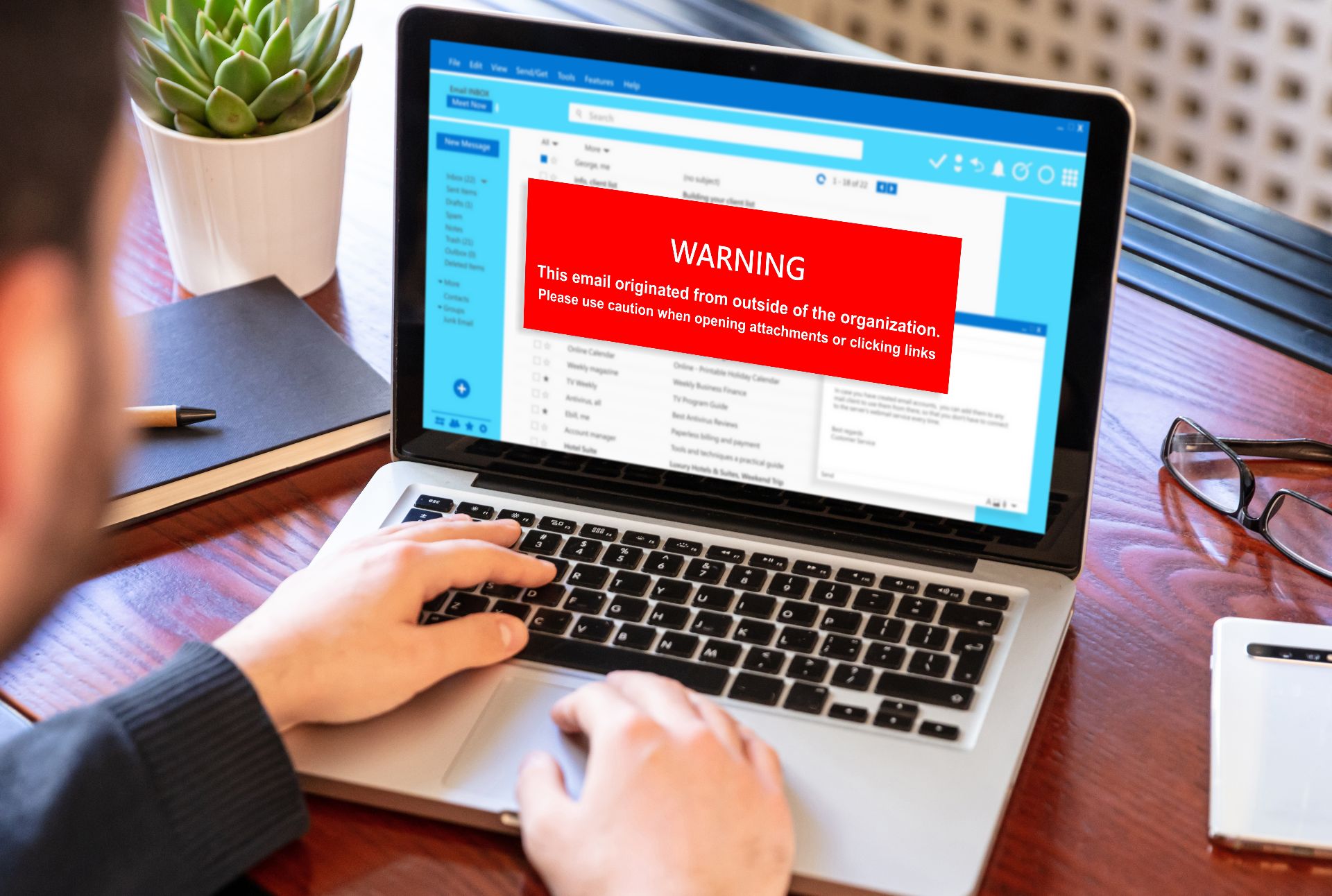


When Did You Last Test a Restore?
If you are not sure, speak to our team. We will tell you what your current setup would actually recover and how long it would take.